The Library of PDF
Python From Zero: A Beginner's Visual Guide
Python From Zero: A Beginner's Visual Guide
Couldn't load pickup availability
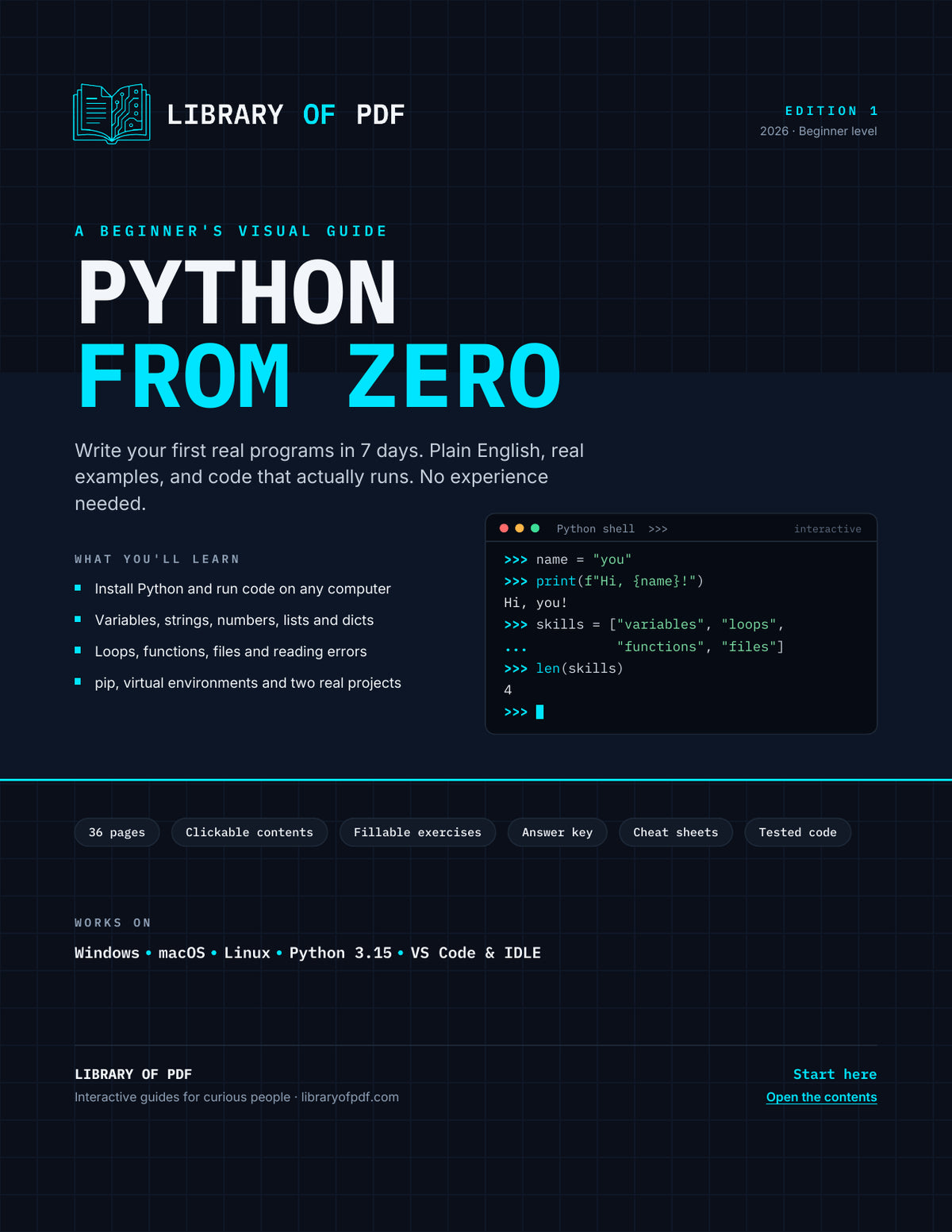
Always wanted to learn to code but didn't know where to start? Python From Zero takes you from "what is Python?" to building your own programs, one small step at a time. No jargon, and no experience needed.
Install Python on Windows, macOS or Linux, then run your first code in the interactive shell, IDLE or VS Code. From there you learn variables, text, numbers, decisions, loops, lists, dictionaries and functions, with a colour-coded example on every page. You'll learn to read error messages instead of fearing them, work with files, use pip and virtual environments, and finish by building a number guessing game and a to-do list app that saves your tasks.
Every one of the 58 code examples was run on Python 3.15 before publishing, and the output printed in the guide is the real output. Every example also works on Python 3.10 or newer. All 48 links to the official docs were checked.
What you get
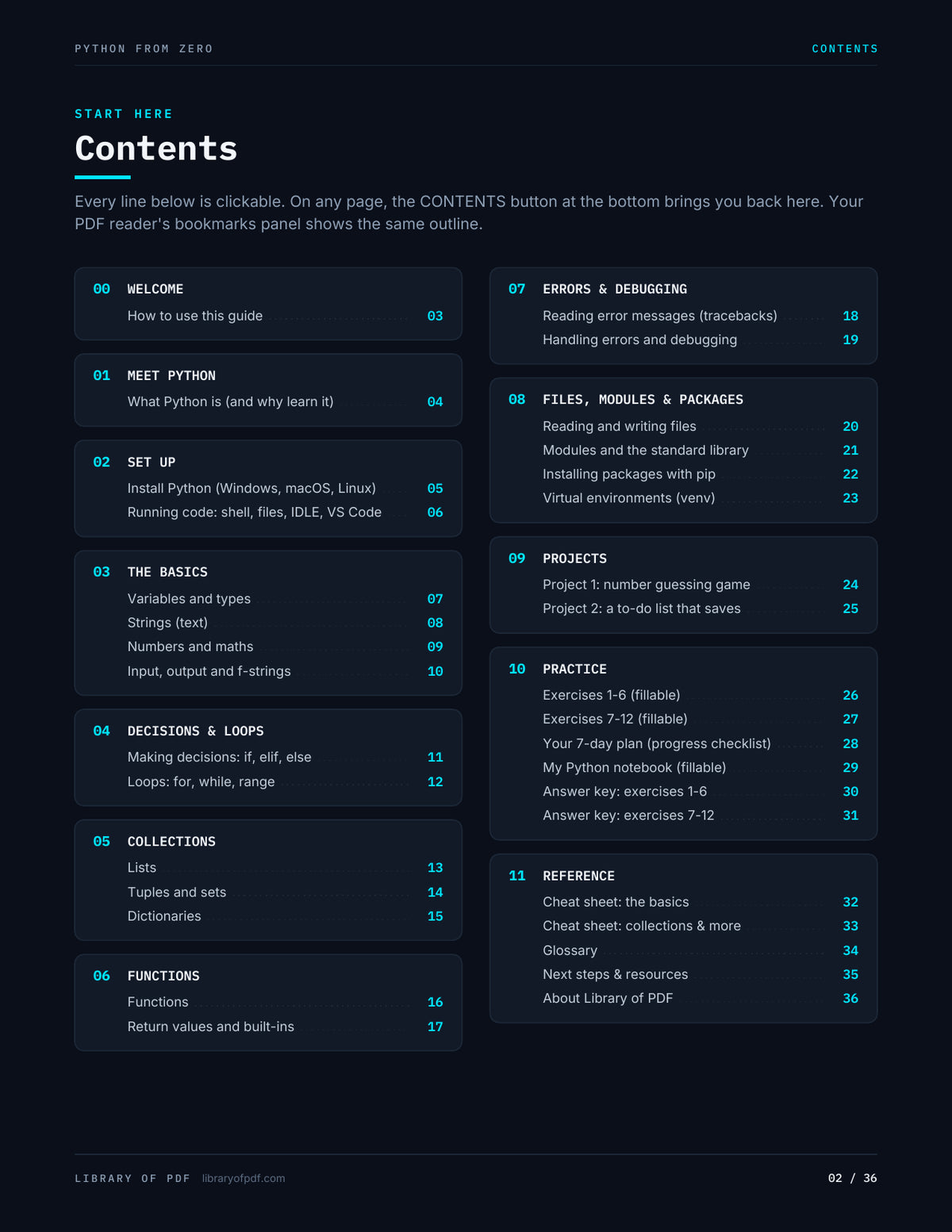
- Set up the right way: install steps for Windows (the new Python install manager), macOS and Linux, plus how to run code in the shell, from files, in IDLE and in VS Code
- The basics, visually: variables and types, strings with an index diagram, numbers and maths, input/output and f-string formatting
- Decisions and loops: if/elif/else with a flowchart, for and while loops, range(), break and continue
- Collections: lists, tuples, sets and dictionaries, with a "which one should I use?" table
- Functions: an annotated anatomy of a function, return vs print, scope, and the built-ins worth knowing
- Errors without fear: a traceback broken down step by step, the 9 errors you'll meet most, try/except and a debugging checklist
- Real-world skills: files and CSV, modules and the standard library, pip and PyPI, and virtual environments on every OS
- Two projects: a number guessing game and a to-do list that saves to a file, each with "level up" challenges
- Practice: 12 fillable exercises, a fully worked answer key, a 7-day plan and a fillable notebook
- Reference: a two-page cheat sheet (every line tested), a 33-term glossary and a page of free next-step resources
Interactive features
- Clickable table of contents, plus a "Contents" button on every page
- Full PDF bookmarks panel (48 entries)
- 133 internal links: cross-references ("Help: p.11"), exercise ↔ answer links, and clickable "concepts used" chips
- 69 live links to python.org, docs.python.org, pypi.org, pip and other official resources
- 102 fillable fields: 12 exercise answer boxes, 49 checkboxes (7-day plan, exercises, project challenges), a setup form, a 12-row learning log and a notes box. Everything saves with the file.
Good for
Complete beginners, students, career changers, IT and cybersecurity folks who want to automate things, and anyone who has started a Python course and got stuck.
Share